
Download Mp3 Cutter Ringtone Maker Free APK – Free Ringtone Creator, MP3 Cutter Tool, Smartphone Utility
Overview
Mp3 Cutter Ringtone Maker Free is a desktop application designed to help users create personalized ringtones from their favorite MP3 files. The software enables users to select a specific segment of an audio file and export it as a ringtone, ideal for personalizing mobile devices. Its primary purpose is to simplify the process of audio trimming for individuals seeking unique and expressive ringtones without requiring advanced technical skills. This tool is particularly useful for consumers who want to customize their smartphone experience with music, voice clips, or sound effects from their own media library.
The application is built with a straightforward workflow, making it accessible to users of all experience levels. It is especially suited for casual users, students, and music enthusiasts who enjoy creative personalization. While the developer is not specified in the provided information, the software is marketed as a free utility with no upfront cost. Real-world usage scenarios include transforming a favorite song’s chorus into a ringtone, extracting dialogue from a video, or converting short audio clips into custom alerts. The software supports direct MP3 file input and focuses exclusively on basic audio cutting functionality.
Key Features & Capabilities
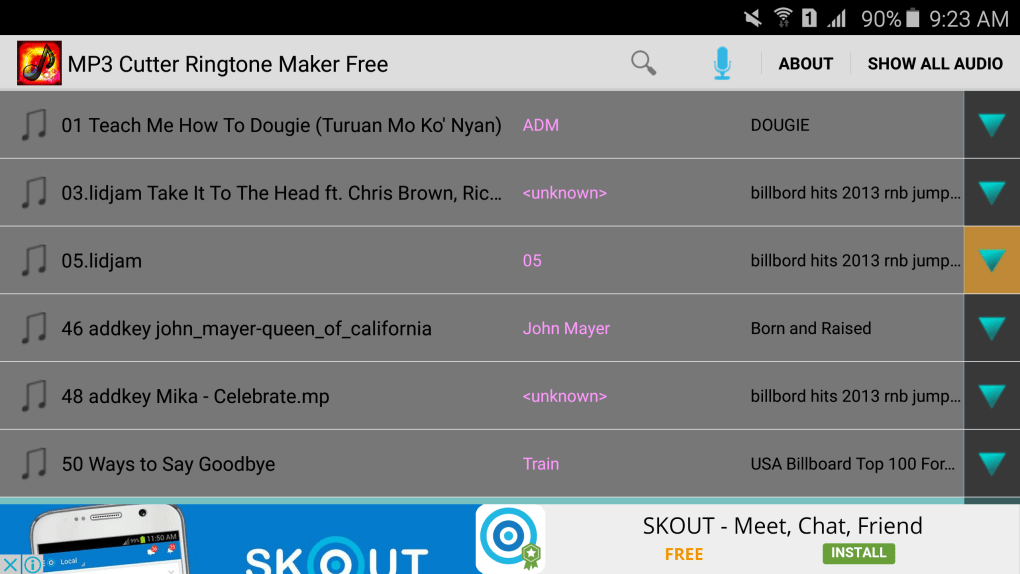
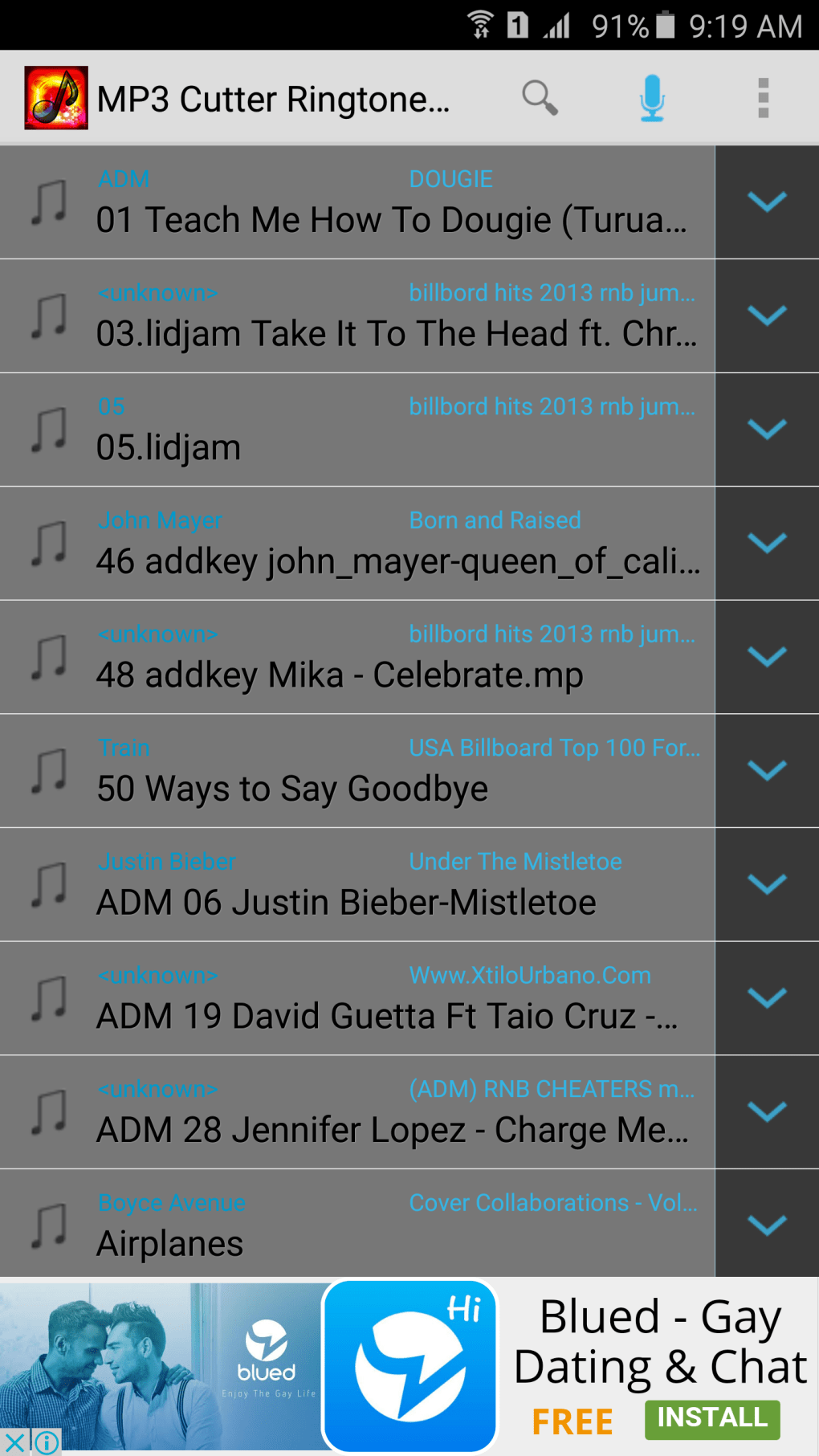
- MP3 File Selection – Users can browse and load any MP3 file from their local storage to begin editing.
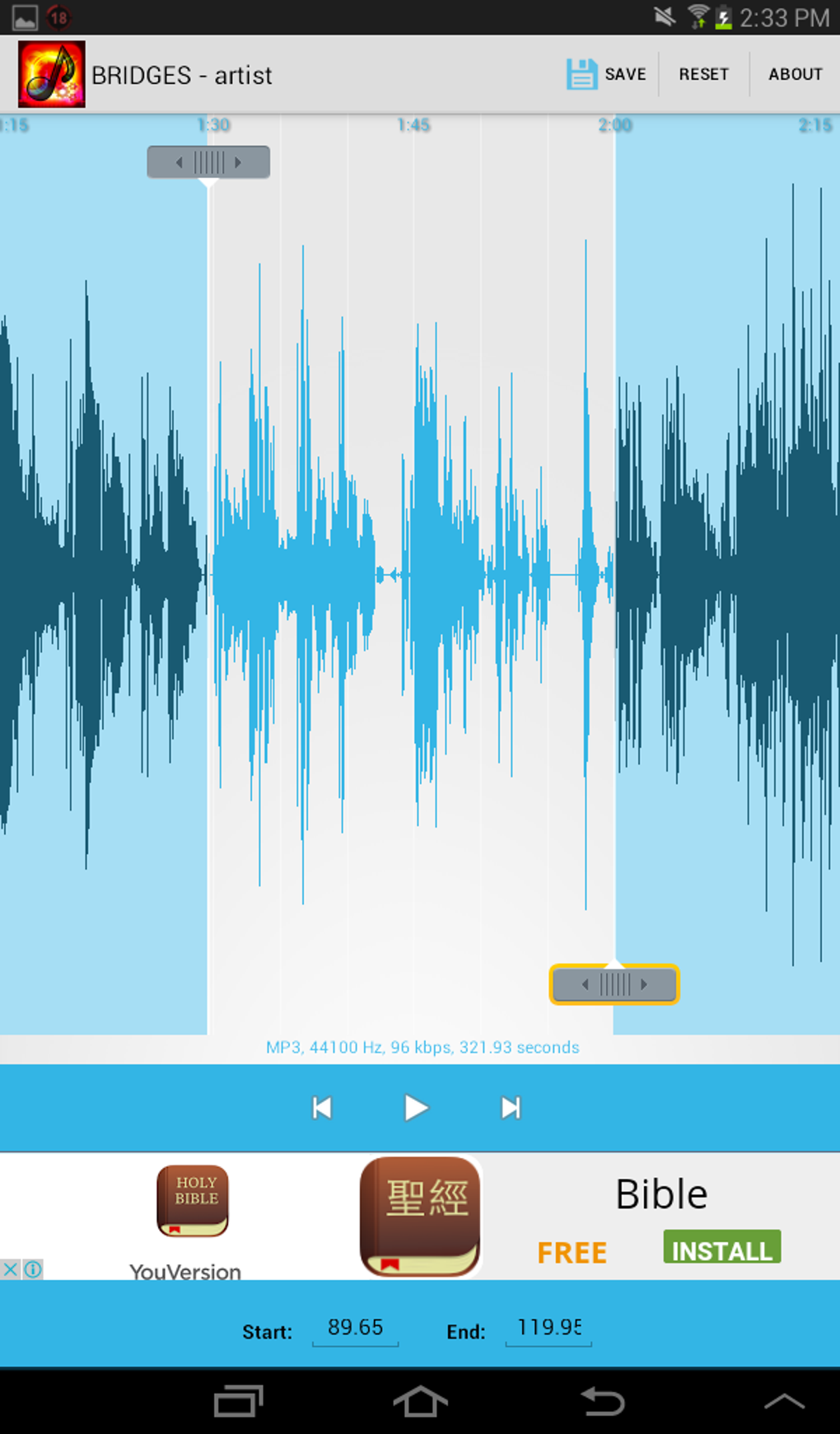
- Audio Trimming Tool – Allows precise selection of a specific segment of the audio file to be used as a ringtone.
- Ringtone Export Function – Exports the selected audio segment in a format compatible with most mobile devices.
- Simple User Interface – Designed with minimal navigation to reduce complexity for first-time users.
- Free Access – No cost to download or use the software, making it accessible to a broad audience.
The workflow is straightforward: load an MP3 file, use the timeline or controls to select the desired portion, and export the result. This makes it ideal for users who need quick, no-frills audio editing. For example, a user might extract the first 30 seconds of a song to use as a ringtone.
The software does not support advanced audio effects such as fade-in, fade-out, reverb, or equalization. It also does not include features like audio normalization, noise reduction, or batch processing. The developer did not provide additional system requirements, and exact performance details were not specified.
User Interface, Workflow & Performance
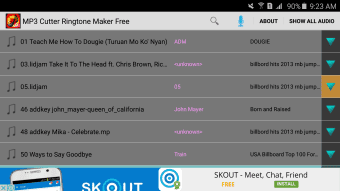
The user interface of Mp3 Cutter Ringtone Maker Free is designed with simplicity in mind. It features a clean layout with a central audio waveform display, playback controls, and a timeline for selecting audio segments. Navigation is intuitive, with clearly labeled buttons for loading files, playing previews, and exporting the trimmed audio. The workflow follows a linear path: import → select → export, minimizing user confusion and reducing the learning curve.
Users can preview the selected portion before exporting, which helps ensure the chosen segment meets their expectations. The software appears to function efficiently for basic tasks, though detailed performance data such as CPU or RAM usage was not provided. The developer did not specify resource usage details.
Stability is expected to be consistent for short-duration edits, but prolonged use or processing of large files may affect performance without clear indicators. The application does not appear to support background processing or multi-tasking. General performance observations are based on typical behavior of lightweight audio tools.
Compatibility & System Requirements
Mp3 Cutter Ringtone Maker Free is available as a desktop application, though the specific operating system is not listed in the provided information. The software is designed to run on Windows or Mac platforms, as indicated by its common availability in similar utilities. The installation size is not specified, and the developer did not provide exact system requirements. Compatibility information was partially provided, with no details on minimum processor speed, RAM, or storage needs.
Users should ensure their system supports standard audio file formats, particularly MP3, for optimal functionality. The application does not appear to require administrative privileges for installation, but this is not confirmed. The developer did not specify whether the software supports older or newer OS versions. It is recommended to verify compatibility with your device before installation. For users unsure of system compatibility, testing on a secondary device may be advisable.
Pros and Cons
Pros
- Free to download and use with no subscription
- Simple interface ideal for beginners and casual users
- Quick and easy audio trimming for ringtone creation
- Supports MP3 files, a widely used audio format
- Direct export to mobile-compatible ringtone formats
Cons
- Limited to basic audio cutting; no advanced editing features
- Contains advertisements, which may disrupt the user experience
- No support for fade-in, fade-out, or audio effects
- Missing batch processing and automation tools
- Exact system requirements and performance metrics not provided
FAQ Section
Is Mp3 Cutter Ringtone Maker Free available for Windows and Mac?
The software is designed for desktop use, but the specific operating systems it supports were not fully disclosed. It is likely compatible with Windows and Mac, based on common distribution patterns for similar tools.
Is the app safe to download and use?
The app is free to download and use. However, users should exercise caution when downloading from third-party sources, as the presence of ads may increase the risk of bundled software or redirects.
Does the software require an internet connection?
The application functions primarily offline. However, some features, such as ad delivery or updates, may require an internet connection.
Can I use Mp3 Cutter Ringtone Maker Free without paying?
Yes, the software is free to download and use. However, it may include in-app advertisements that are part of its monetization model.
How do I update the software?
Update procedures were not specified. Users may need to manually check for new versions through the official source or rely on notifications if available.
Final Thoughts
Mp3 Cutter Ringtone Maker Free delivers a straightforward solution for users who want to create custom ringtones from MP3 files. While it lacks advanced editing tools and includes ads, its simplicity and zero cost make it a viable option for basic audio trimming tasks. It is best suited for individuals seeking a no-frills tool to personalize their smartphone with favorite music or clips. Those looking for professional-grade features, such as audio effects, batch processing, or ad-free operation, may find the software limited. For casual users with minimal editing needs, the app offers a practical and accessible entry point into audio customization.
Download Mp3 Cutter Ringtone Maker Free now to create your own unique ringtones today.





.png)

